

WebRTC is ideal for browser voice apps with low latency. For server-side integrations, see the WebSocket Quickstart.
Get Started
1
Create an API key
Create an Inworld account.In Inworld Portal, generate an API key by going to Settings > API Keys. Copy the Base64 credentials.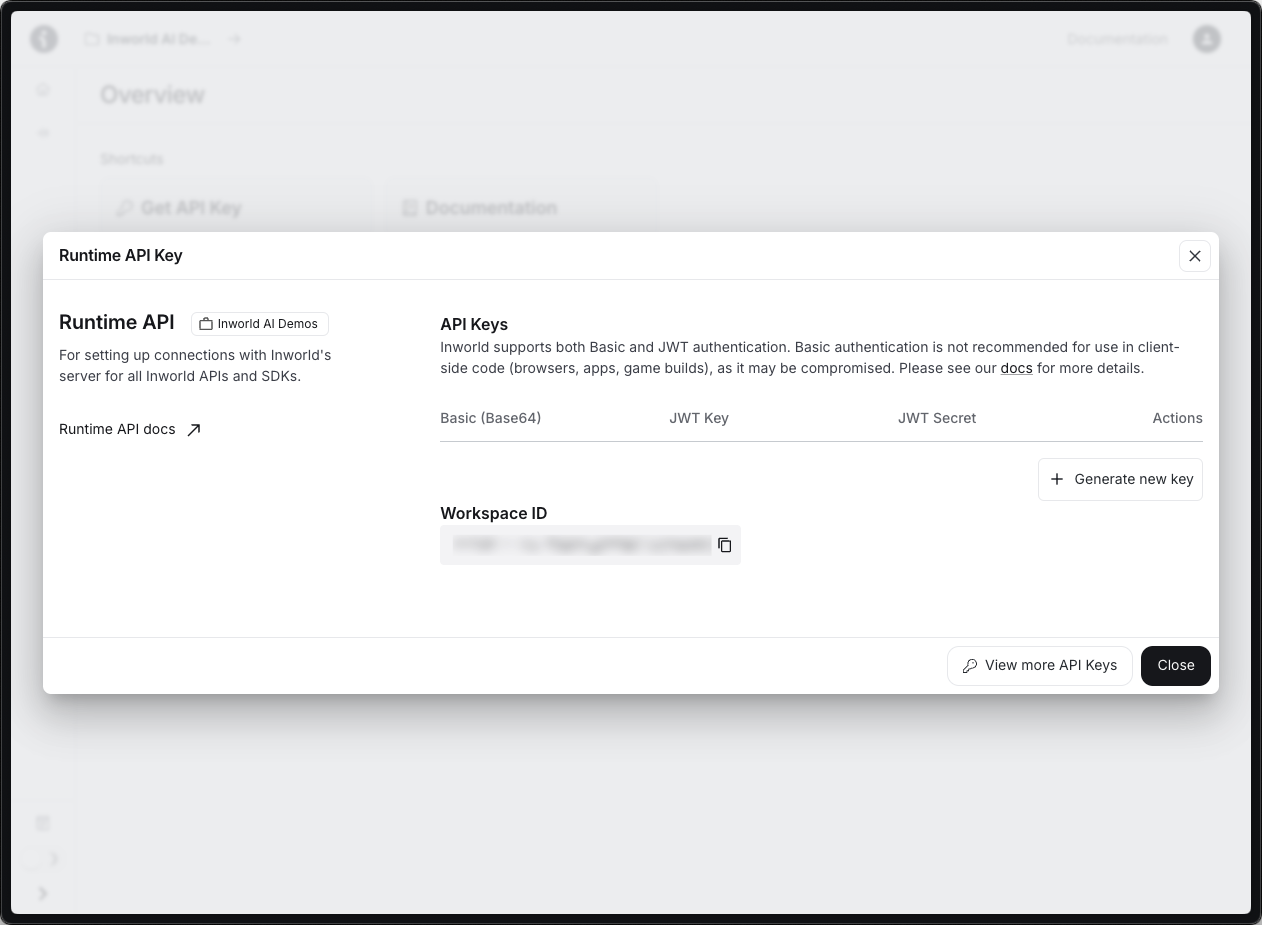
.env file:.env
2
Create the server
Create
server.js. It serves the page and provides a /api/config endpoint that fetches ICE servers from the WebRTC proxy while keeping the API key server-side.server.js
3
Create the frontend
Create
index.html in the same directory. It connects via WebRTC, streams mic audio automatically, and plays agent audio through an RTP track.index.html
4
Install and run
Option 2: Using OpenAI Agents SDK
If you’re building a more advanced voice agent with features like agent handoffs, tool calling, and guardrails, you can use the OpenAI Agents SDK with Inworld’s WebRTC proxy. We provide a ready-to-run playground based on OpenAI’s realtime agents demo.1
Clone the playground
If you are unable to access this repository, please contact support@inworld.ai for access.
2
Configure the API key
Open
.env and set OPENAI_API_KEY to your Inworld API key (the same Base64 credentials from Inworld Portal):.env
3
Run
- Chat-Supervisor — A realtime chat agent handles basic conversation while a more capable text model (e.g.
gpt-4.1) handles tool calls and complex responses. - Sequential Handoff — Specialized agents transfer the user between them to handle specific intents (e.g. authentication → returns → sales).
How It Works
Key differences from WebSocket:
- Audio flows via RTP tracks (no base64 encoding)
- Events flow via DataChannel (same JSON schema)
- Browser handles OPUS codec natively
Next Steps
WebRTC reference
Full connection details, session config, and SDK integration.
Voice agents
VAD configuration, audio formats, and conversation flow.
OpenAI migration
Migrate from OpenAI Realtime API to Inworld.