

The InworldAssets plugin is a lightweight content library used by Runtime templates. It ships meshes, materials, and textures for quick prototyping. It does not include gameplay logic or example levels.Documentation Index
Fetch the complete documentation index at: https://dev.docs.inworld.ai/llms.txt
Use this file to discover all available pages before exploring further.
Where to find
- In the Content Browser, open the Settings menu.
- Enable “Show Plugin Content”.
- Navigate to
/Plugins/InworldAssets.
Do not edit plugin assets in place. Copy what you need into your project (
/Game/...) and modify the copies so you can update the plugin safely later.What’s included
Folder structure and representative assets:-
Animals
- Bird
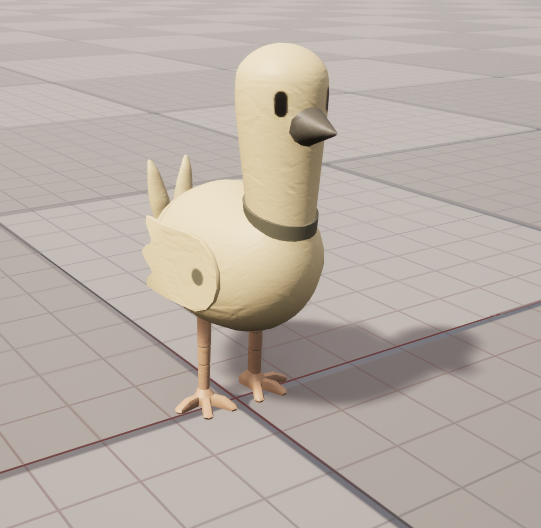
- Meshes:
- Static
SM_Pigeon_L - Skeleton:
SM_Pigeon_L_SM_Pigeon_L
- Static
- Materials:
M_pigeon - Textures:
T_pigeon_AlbedoTransparency,T_pigeon_Normal - Physics/Skeleton:
SM_Pigeon_L_SM_Pigeon_L_PhysicsAsset,SM_Pigeon_L_SM_Pigeon_L_Skeleton
- Meshes:
- Cat
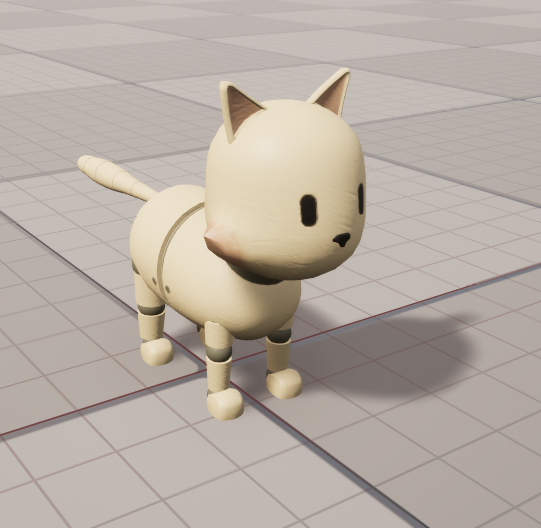
- Meshes:
- Static
SM_Cat_L - Skeleton:
SM_Cat_L_SM_Cat_L
- Static
- Materials:
M_cat - Textures:
T_cat_AlbedoTransparency,T_cat_Normal - Physics/Skeleton:
SM_Cat_L_SM_Cat_L_PhysicsAsset,SM_Cat_L_SM_Cat_L_Skeleton
- Meshes:
- Dog
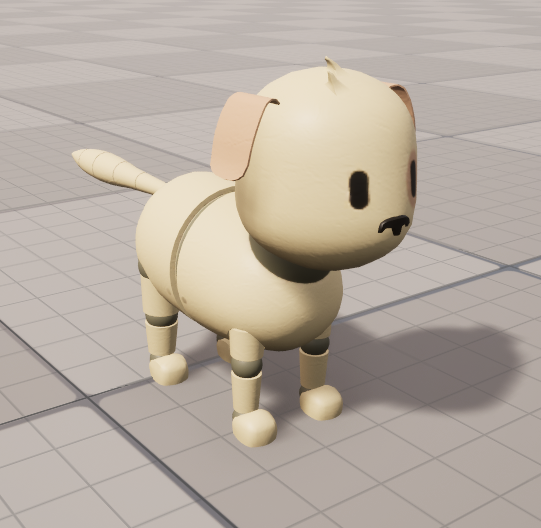
- Meshes:
- Static
SM_Dog_L - Skeleton:
SM_Dog_L_SM_Dog_L
- Static
- Materials:
M_dog - Textures:
T_dog_AlbedoTransparency,T_dog_Normal - Physics/Skeleton:
SM_Dog_L_SM_Dog_L_PhysicsAsset,SM_Dog_L_SM_Dog_L_Skeleton
- Meshes:
- Bird
-
Building
- Door
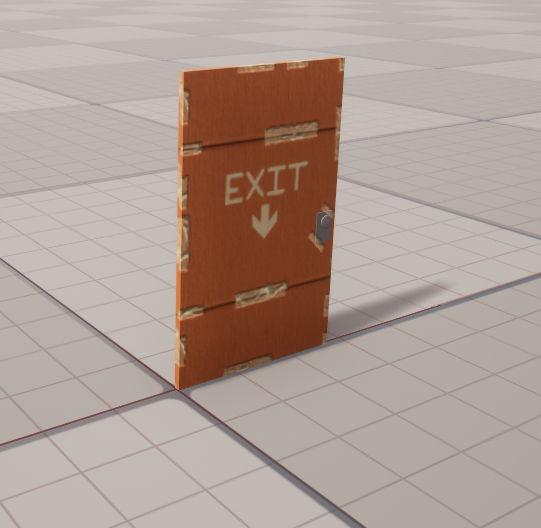
- Meshes:
SM_Door_L - Materials:
M_wall_door - Textures:
wall_door_AlbedoTransparency,wall_door_Normal
- Meshes:
- Wall
- Meshes:
SM_Wall_L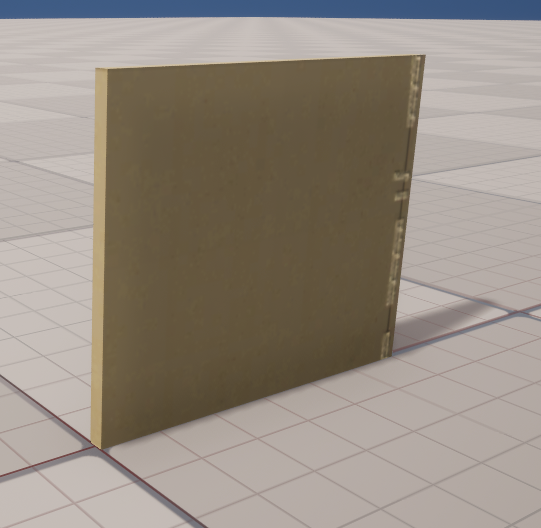
SM_Wall_Door_L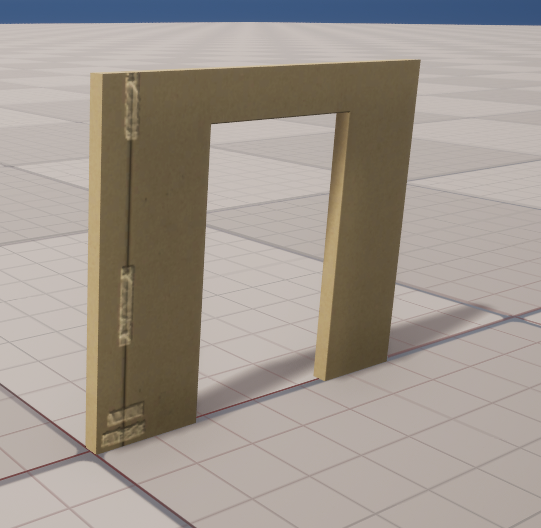
SM_HalfWall_L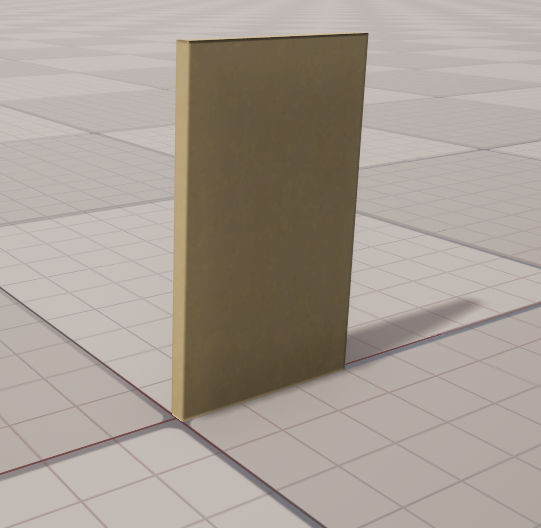
- Materials:
M_wall,M_halfWall - Textures:
wall_*,halfWall_*
- Meshes:
- Windows
- Meshes:
SM_WallWindow1_L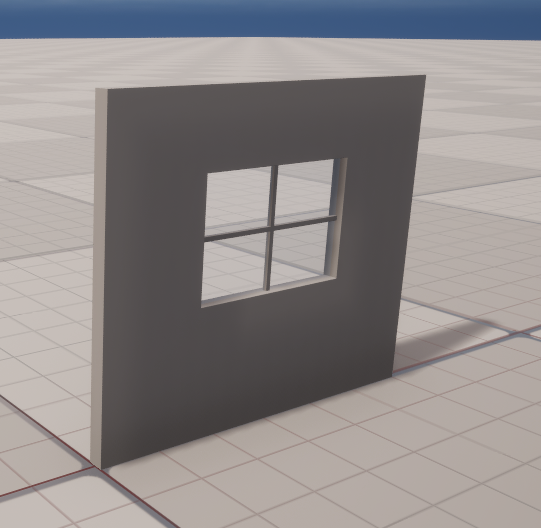
SM_WallWindow2_L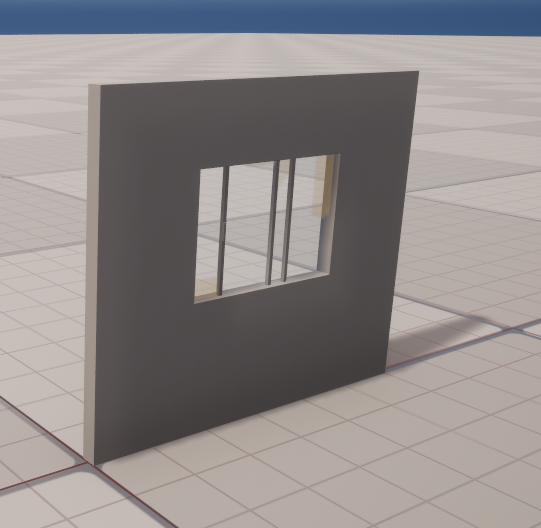
- Materials:
M_glass,M_wallWindow,M_wallWindow1 - Textures:
wallWindow1_*,wallWindow2_*
- Meshes:
- Door
-
Objects
- Bulb
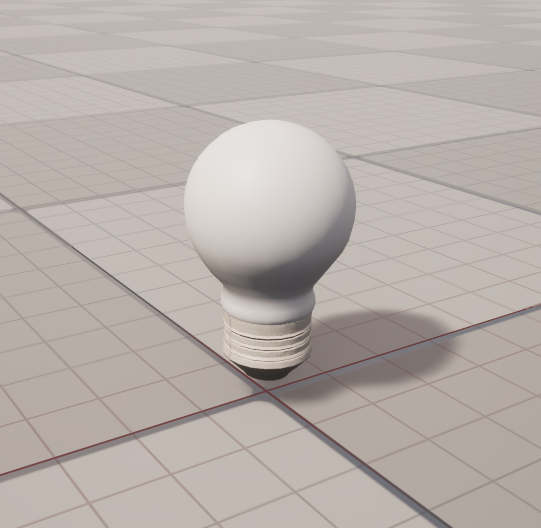
- Meshes:
SM_Bulb_L - Materials:
M_bulb_emissive,M_bulb_glass,M_bulb_tin - Textures:
T_bulb_tin_AlbedoTransparency,T_bulb_tin_Normal
- Meshes:
- Button
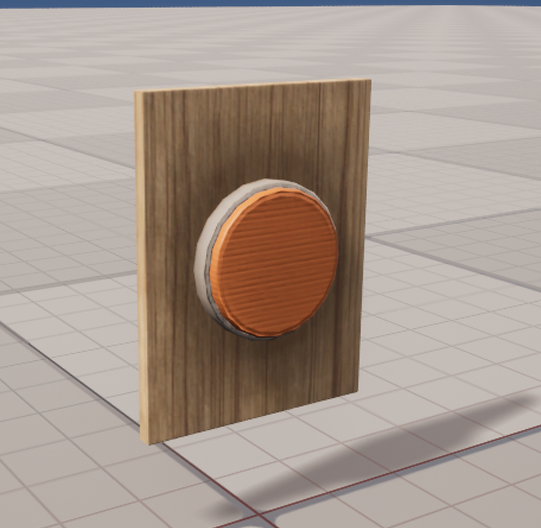
- Meshes:
SM_Button_L,SM_Button_Base_L - Materials:
M_button - Textures:
button_AlbedoTransparency,button_Normal
- Meshes:
- Lever (single/double)
- Meshes:
SM_Lever_Single_LSM_Lever_Single_Base_L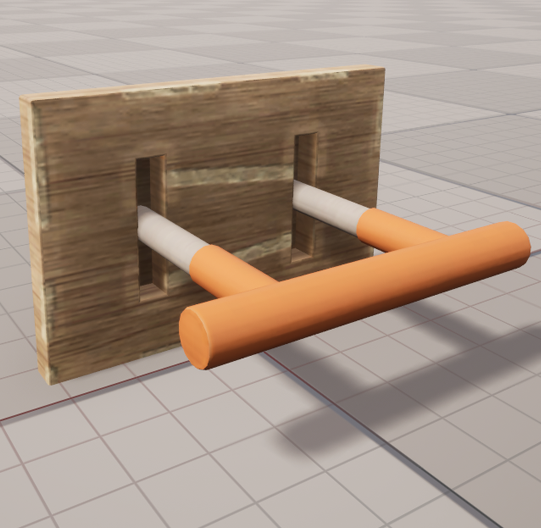
SM_Lever_Double_LSM_Lever_Double_Base_L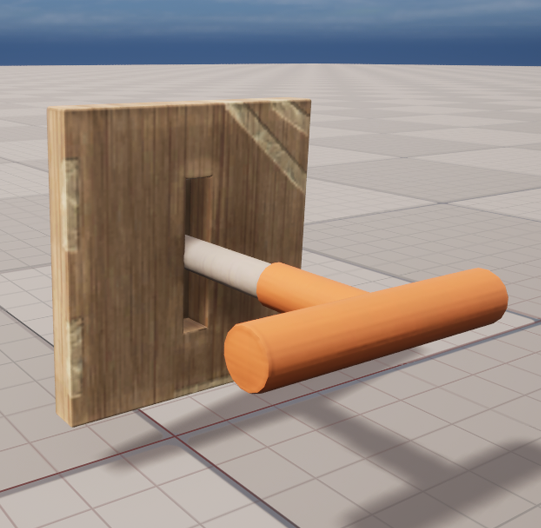
- Materials:
M_lever,M_lever_double - Textures:
lever_*
- Meshes:
- Rocks (1–3)
- Meshes:
SM_Rock_1_L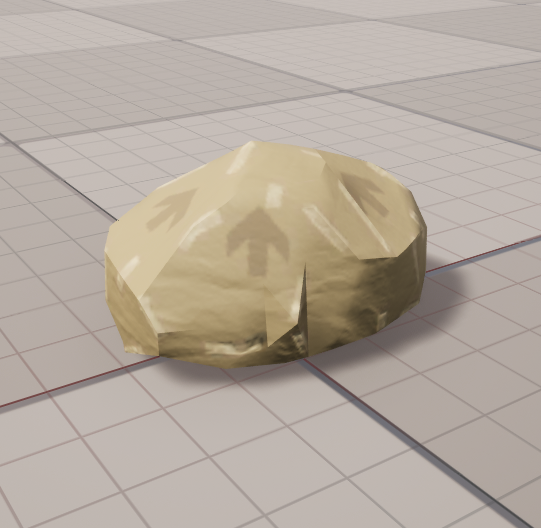
SM_Rock_2_L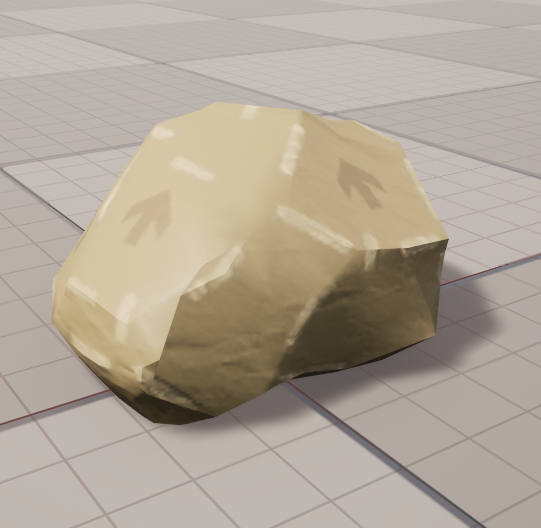
SM_Rock_3_L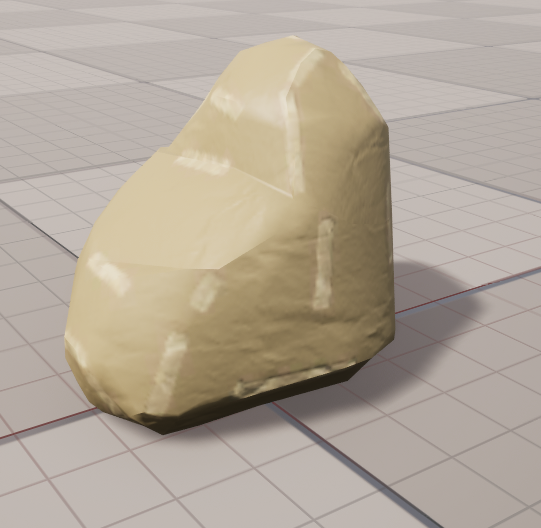
- Materials:
M_rock_1,M_rock_2,M_rock_3 - Textures:
T_rock_?_AlbedoTransparency,T_rock_?_Normal
- Meshes:
- Shapes
- Cone:
SM_Cone_L,M_cone,cone_*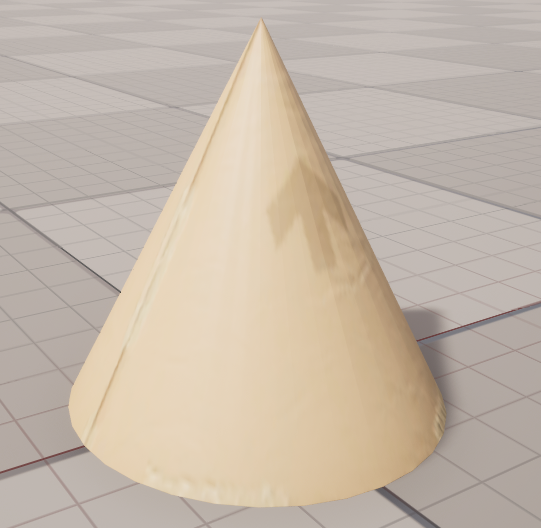
- Cube:
SM_Cube_L,M_cube,cube_*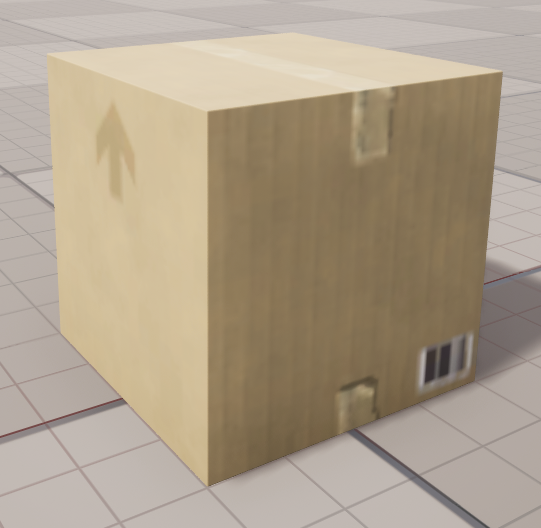
- Cylinder (Regular/Tall/Wide):
SM_Cylinder50cmTall_L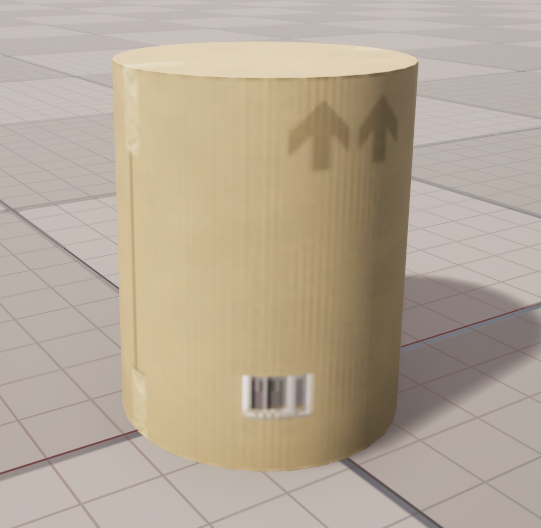
SM_Cylinder1mTall_L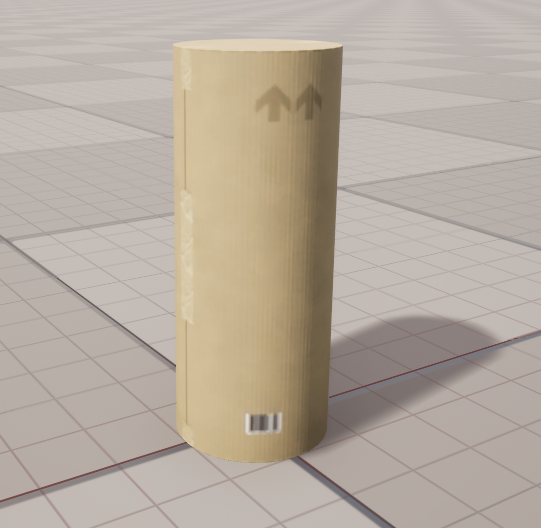
SM_CylinderWide_L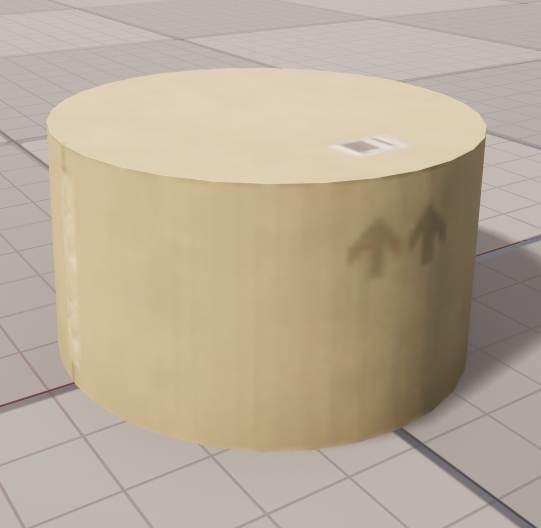
- Icosahedron:
SM_Icosahedron_L,M_icosahedron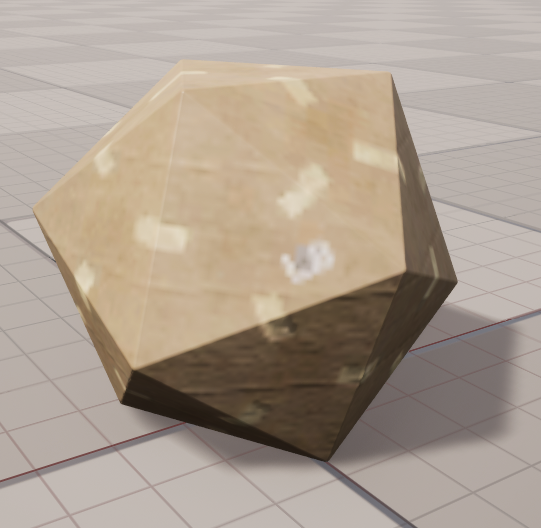
- Octahedron:
SM_Octahedron_L,M_octahedron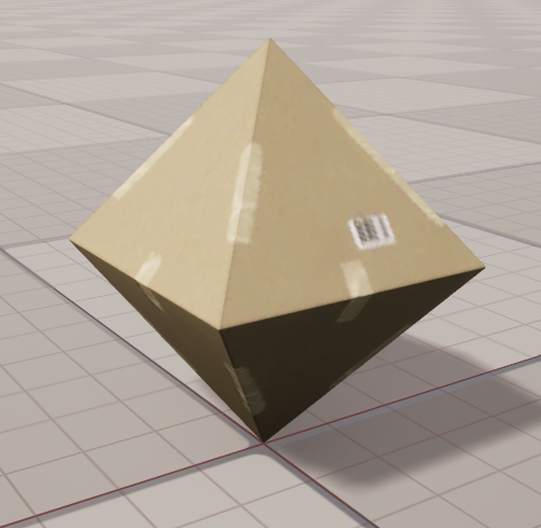
- Plane:
SM_FlatPlane_L,M_flatPlane,flatPlane_*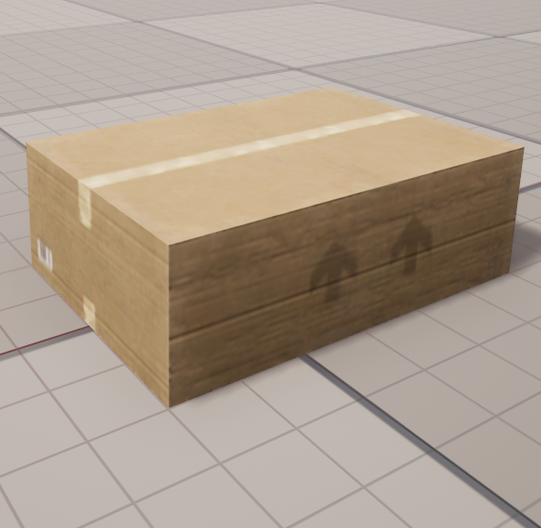
- Pyramid:
SM_Pyramid_L,M_pyramid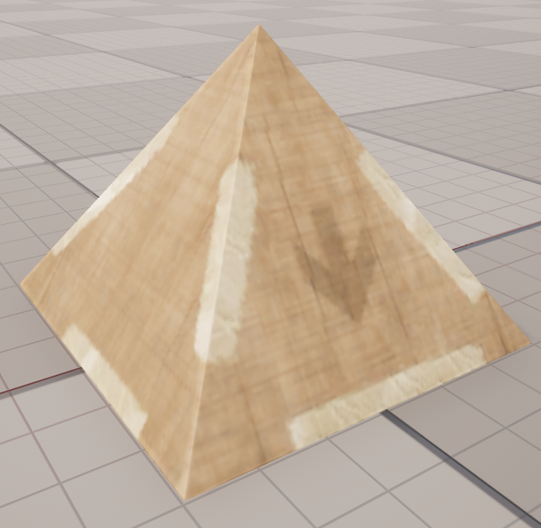
- Torus:
SM_Torus_L,M_torus,torus_*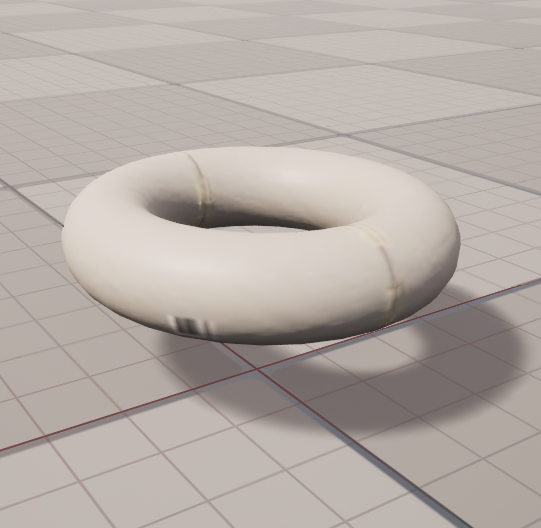
- Cone:
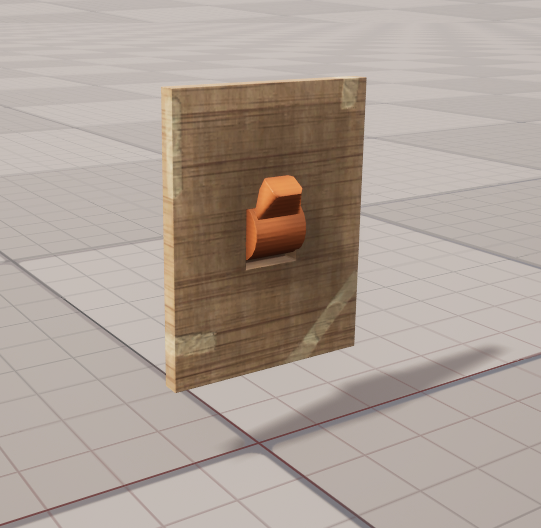
- Switch
- Meshes:
SM_Switch_L,SM_Switch_Base_L - Materials:
M_switch - Textures:
switch_*
- Meshes:
- Trees (1–3)
- Meshes:
SM_Tree_1_L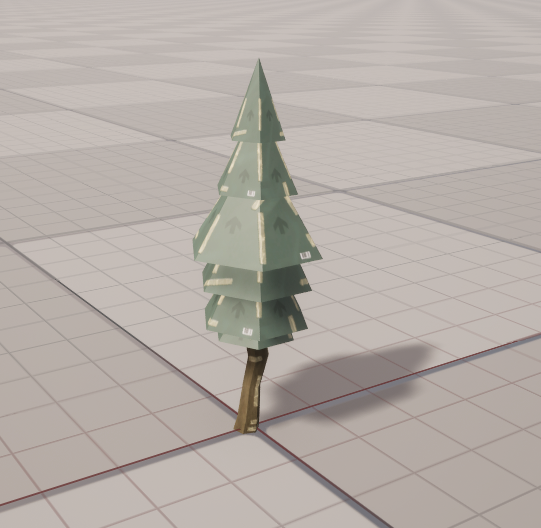
SM_Tree_2_L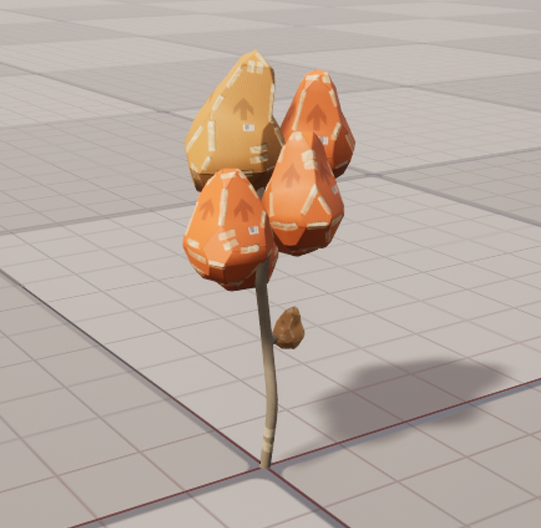
SM_Tree_3_L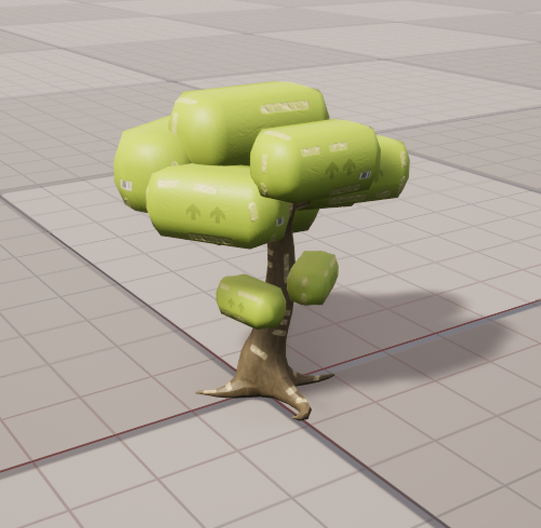
- Materials:
M_tree_1,M_tree2,M_tree3 - Textures:
T_tree?_AlbedoTransparency,T_tree?_Normal
- Meshes:
- Weapons
- Gun:
SM_Gun_L,M_gun,T_gun_*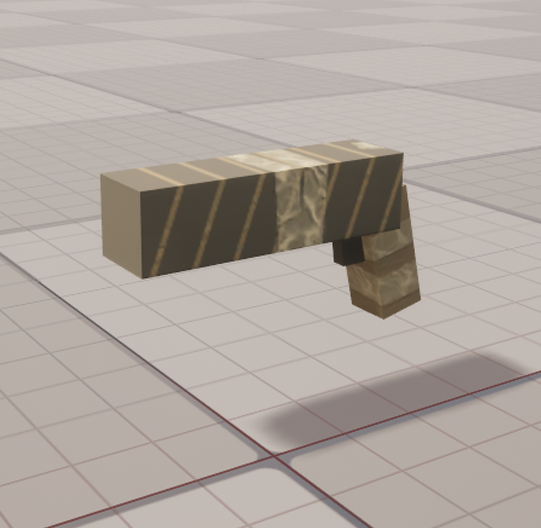
- Sword:
SM_Sword_L,M_sword,T_sword_*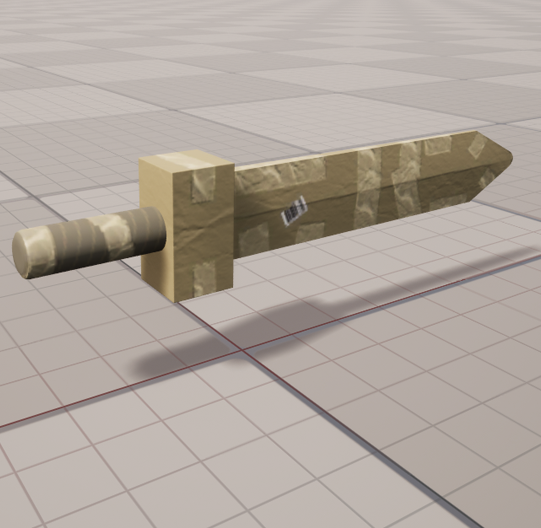
- Gun:
- Bulb
Naming conventions
- Meshes:
SM_* - Materials:
M_* - Textures:
T_*(e.g.,*AlbedoTransparency,*Normal) - Physics assets:
*_PhysicsAsset - Skeletons:
*_Skeleton
How to use
- Drag meshes (SM_*) into your level; default materials are already assigned.
- Create Material Instances from base materials (M_*) to tweak colors/roughness without editing plugin assets.
- Replace textures (T_*) in your instances to reskin objects quickly.
- For characters/animals, physics and skeleton assets are included; retarget or extend in your project as needed.
Troubleshooting
- Can’t see the content: enable “Show Plugin Content” and ensure the plugin is enabled in
Edit > Plugins. - Materials not showing: verify the mesh uses the expected material slot or apply your Material Instance.
- Want to customize: copy assets to
/Game/...first; avoid editing in/Plugins/....