

Professional Voice Cloning is currently in beta and available through early access only — it’s not yet available to everyone. It’s only available through Portal and is not yet supported via the Voice Cloning API. If you need Professional Voice Cloning immediately, please contact sales.
Create a Professional Voice Clone in Portal
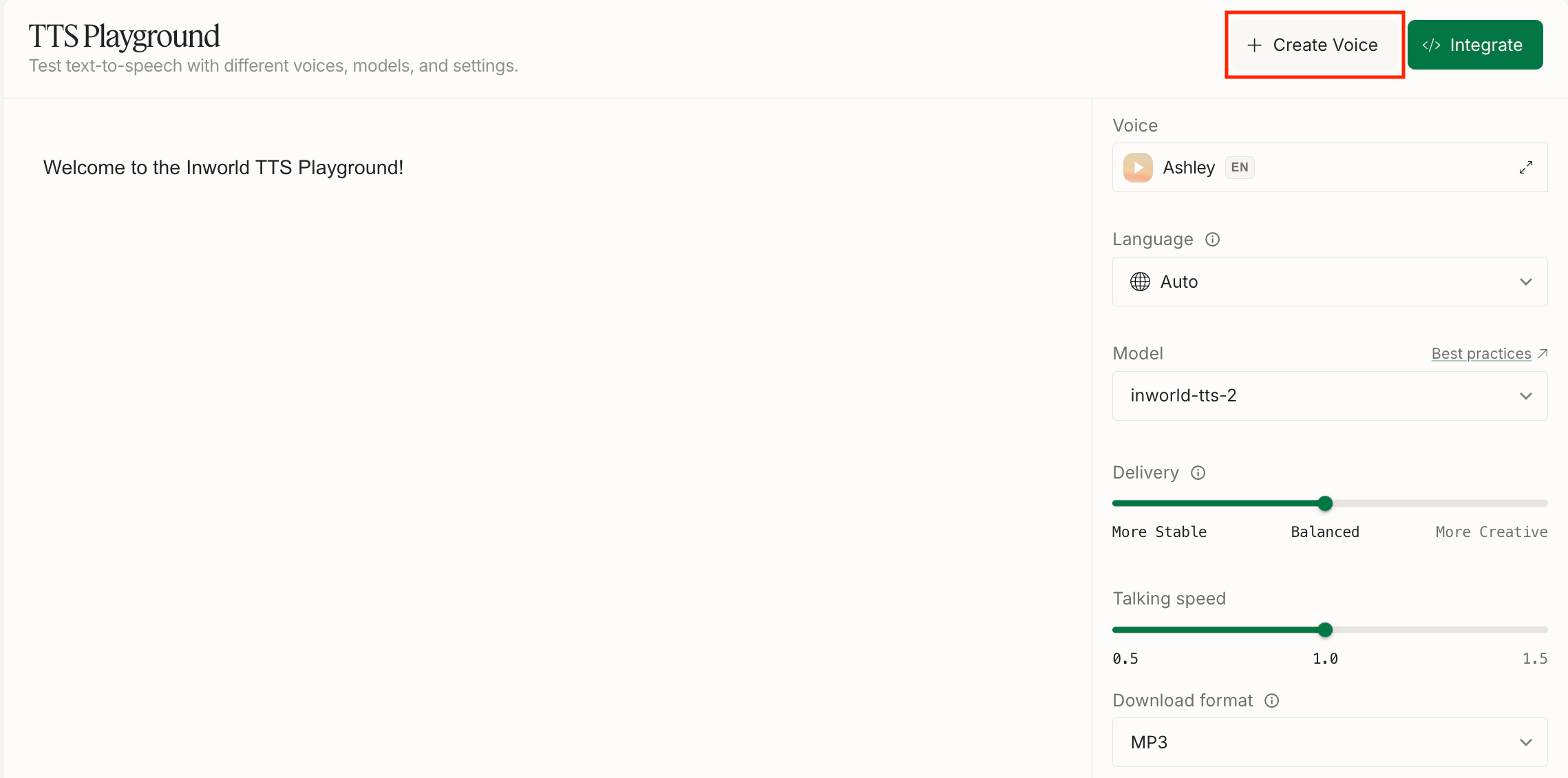
Choose Create Voice
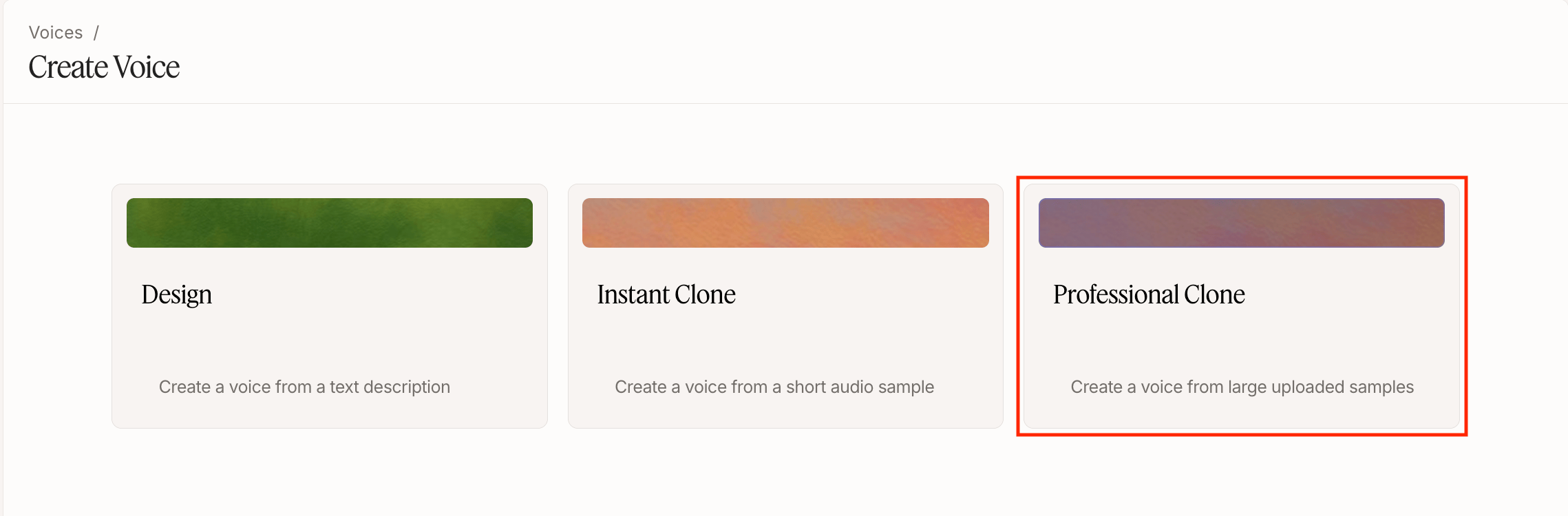
Name your voice
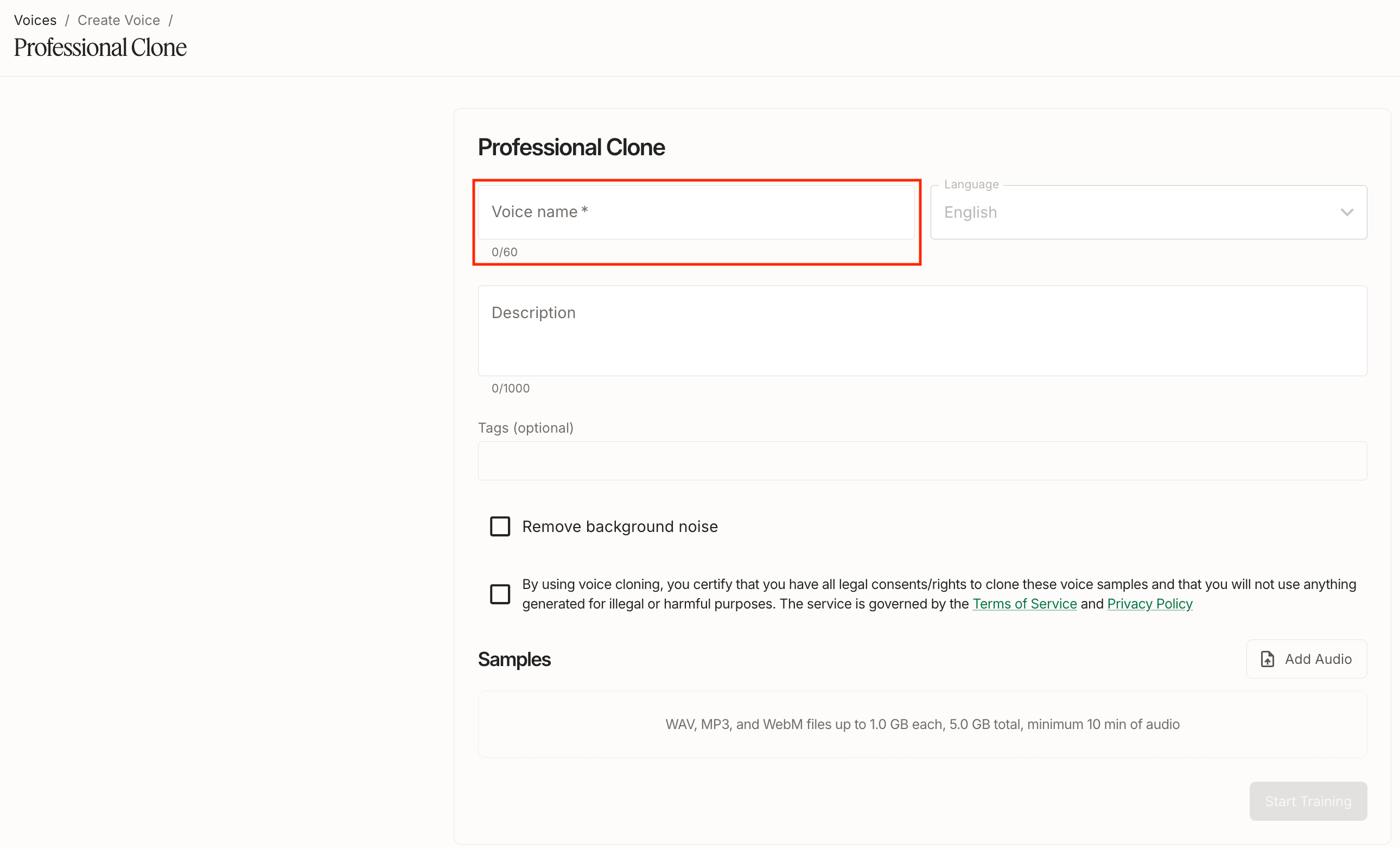
Only English is currently supported for Professional Voice Cloning.
Upload audio samples and start training
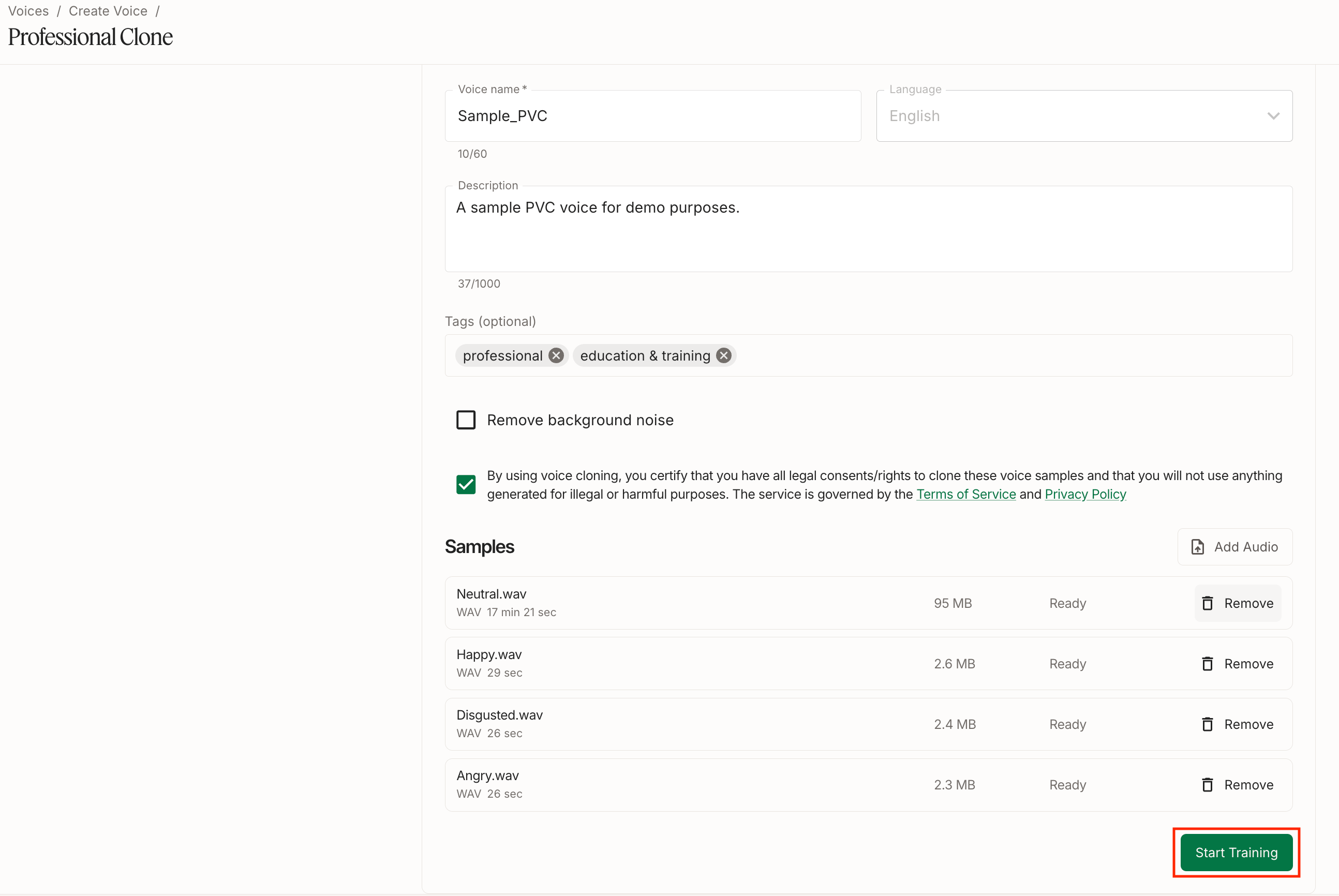
- You can upload multiple audio files, up to a combined limit of 5GB.
- Uploaded audio must total at least 10 minutes combined. More clean, high-quality audio generally produces a better clone.
Check out our Voice Cloning Best Practices for tips on recording and preparing audio for a professional voice clone.
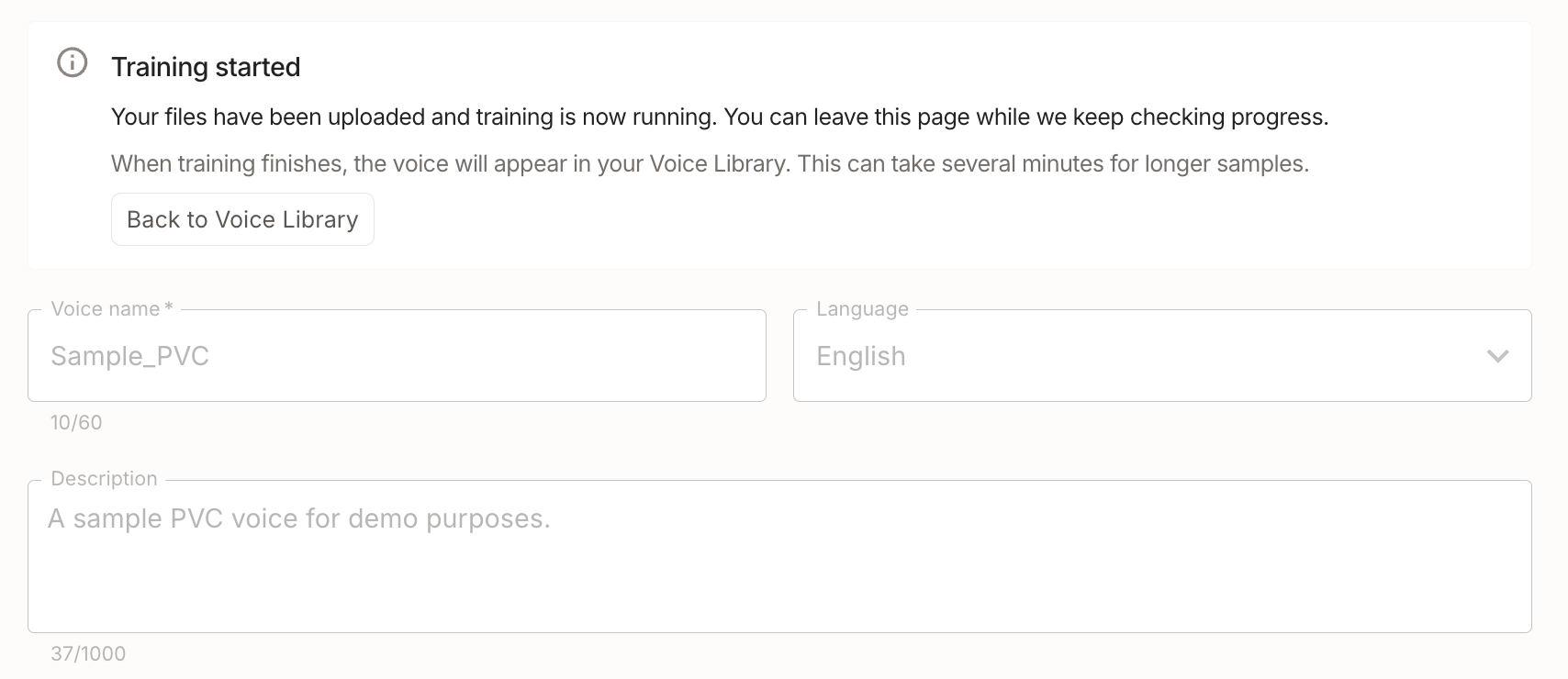
Wait for training to complete
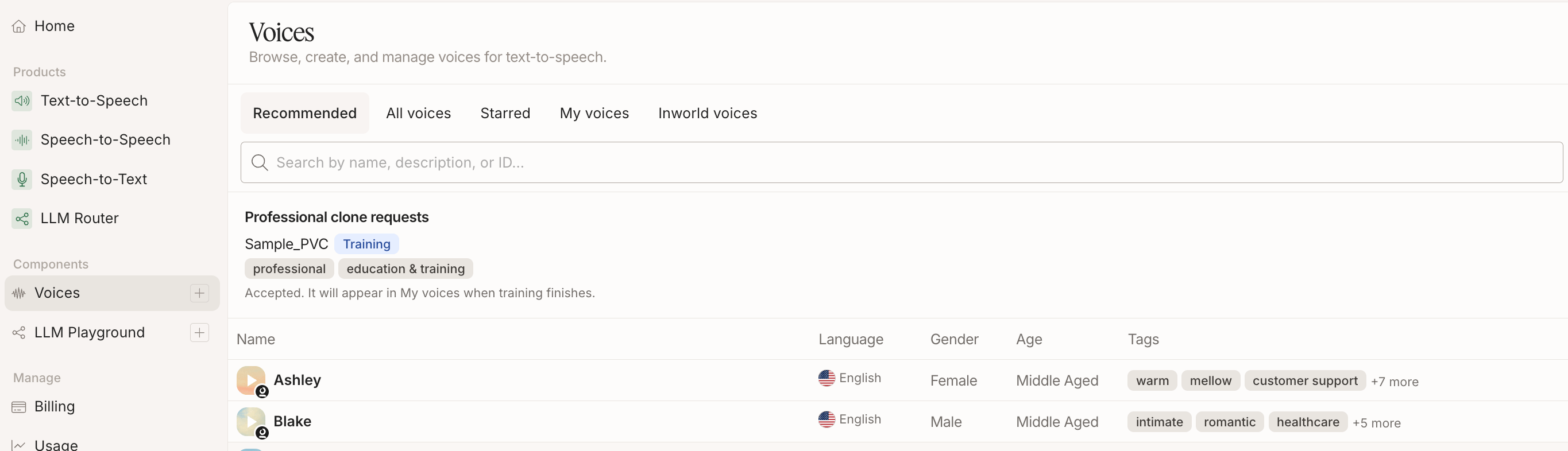
Use your voice from My Voices

voiceId when making an API call. See our Quickstart to learn how to make your first TTS API call.Next Steps
Looking for more tips and tricks? Check out the resources below to get started!Instant Voice Cloning
Clone a voice in seconds with just a few seconds of audio.
Voice Cloning Best Practices
Learn best practices for producing high-quality professional voice clones.
Quickstart
Learn how to make your first TTS API call in minutes.