
The Runtime SDK uses API keys to authenticate requests to Inworld’s server.Documentation Index
Fetch the complete documentation index at: https://dev.docs.inworld.ai/llms.txt
Use this file to discover all available pages before exploring further.
Getting an API key
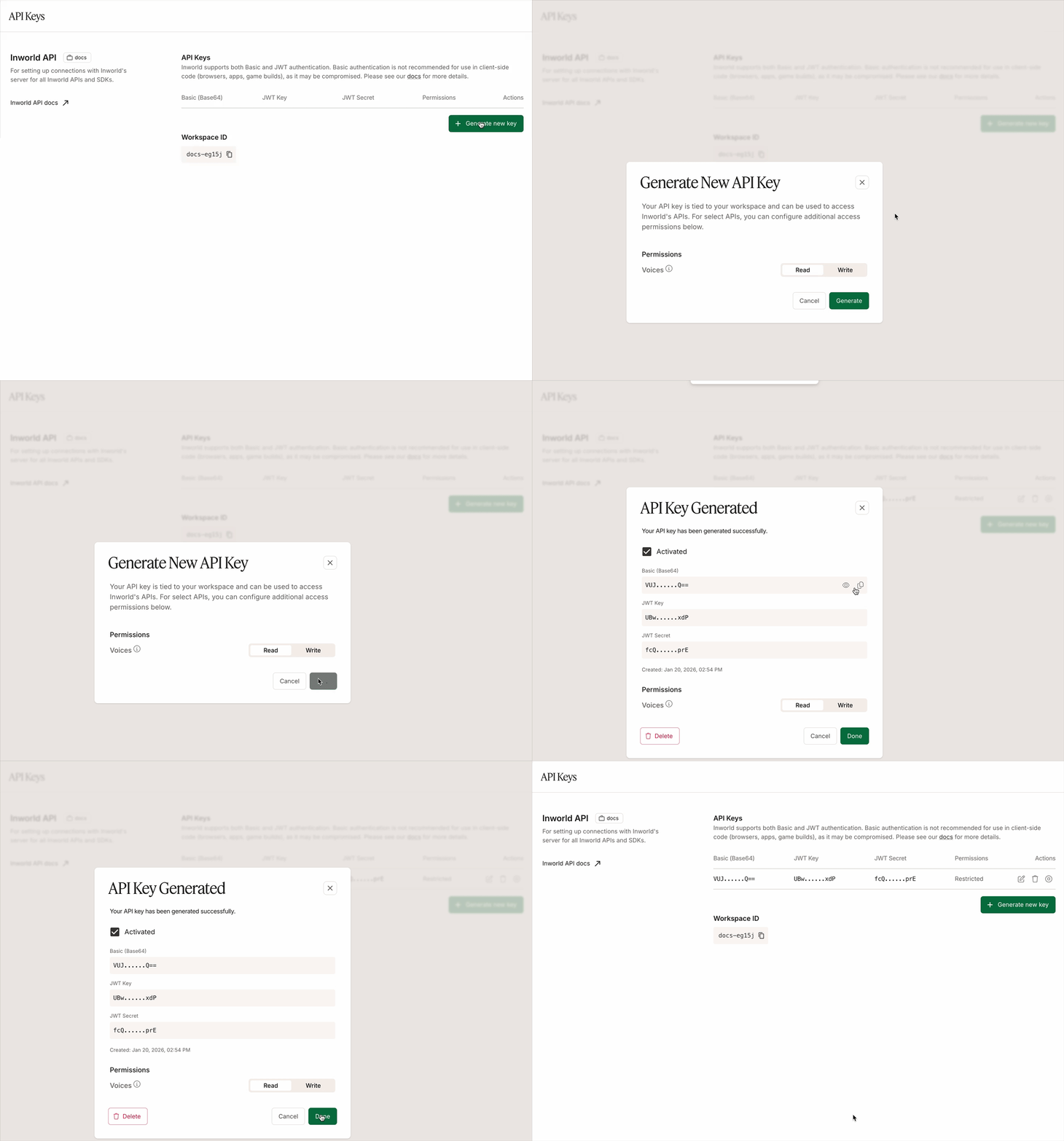
To get an API key, follow these steps:- Log in to Inworld Portal.
- Click API Keys on the bottom left sidebar.
- Click Generate new key to generate a new API key.
- Copy the Basic (Base64) authorization signature.
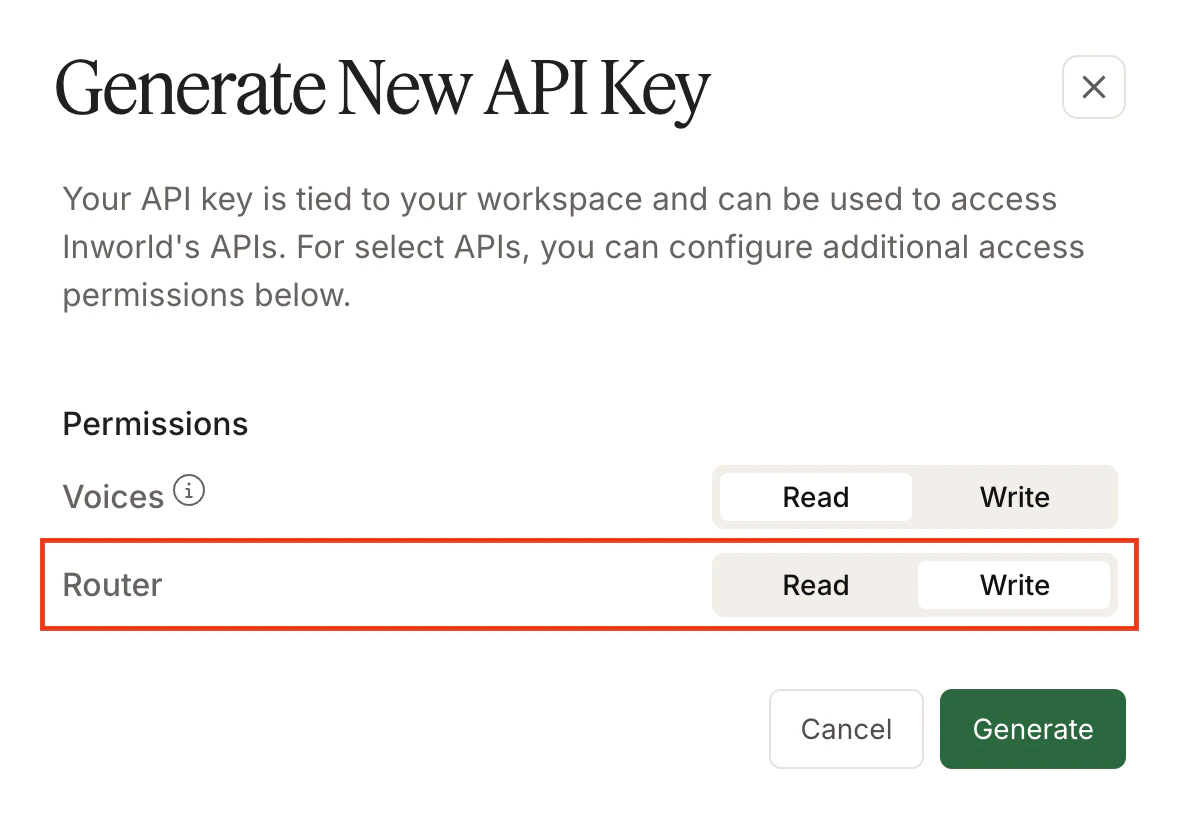
- Voice API, which enables the API key to be used for POST, PATCH, and DELETE endpoints (clone voice, update voice, delete voice). GET endpoints only require read permissions.
- Router API, which enables the API key to be used for POST, PATCH, and DELETE endpoints (create router, update router, delete router). GET endpoints only require read permissions.