

Documentation Index
Fetch the complete documentation index at: https://dev.docs.inworld.ai/llms.txt
Use this file to discover all available pages before exploring further.
General Support
As a user of Inworld’s platform, you have full access to:- Comprehensive documentation
- AI assistant (in the bottom right corner) that can answer natural language queries based on documentation
- Discord community
Product
What do experimental, preview, and stable mean?
Our model and feature releases will fall into one of the following categories:- Experimental - This is an early-stage release and is subject to change. Experimental models and features may not be stable, and are not recommended for production use.
- Preview - This is a preview release which may be further refined before Stable release.
- Stable - Fully developed, tested, and stable features or models.
Account Management
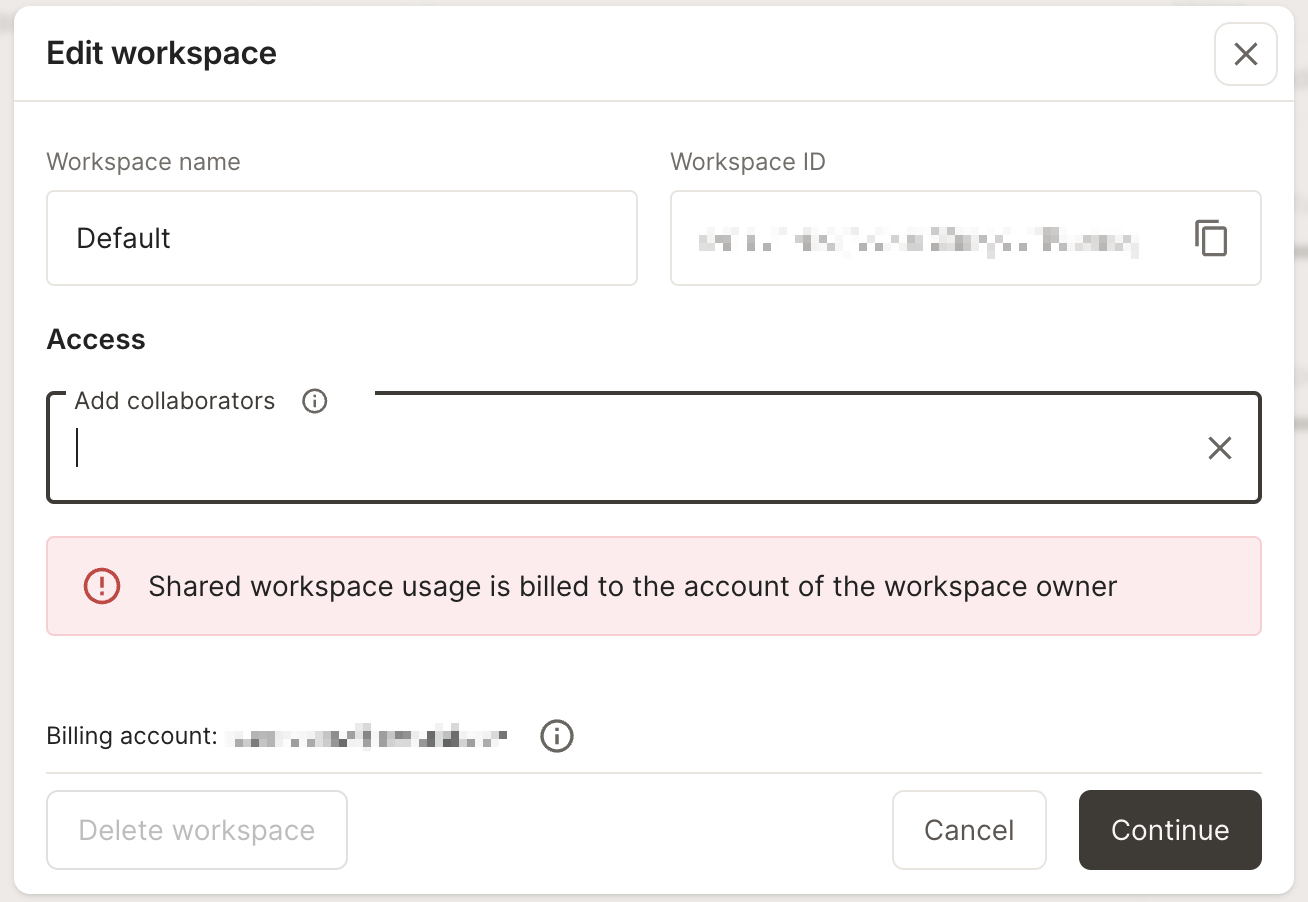
How do I share my workspace?
Click on the workspace selector in the bottom left corner, and select “Manage this workspace”.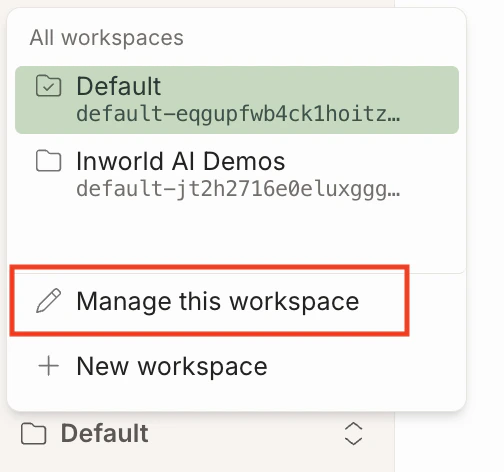
How do I delete my account?
To delete your account, please reach out tosupport@inworld.ai.